How to Log Wegovy Injections and Weight: A Step-by-Step Guide
Learn how to log Wegovy injections and weight for GLP-1 tracking. Discover easy methods, best practices, and helpful tools to optimize your weight-loss journey.

Estimated reading time: 7 min
Key Takeaways
- Accurate logging of Wegovy injections and weight is crucial for effective GLP-1 tracking.
- Consistent records help you and your provider monitor progress and manage side effects.
- Apps like Trimm streamline the process with reminders, charts, and milestone tracking.
- Logging other metrics, such as meals and side effects, gives a complete picture of your weight-loss journey.
Table of Contents
- Section 1: Why Log Wegovy Injections and Weight?
- Section 2: Setting Up Your Logging Routine
- Section 3: How to Log Wegovy Injections
- Section 4: How to Log Weight Effectively
- Section 5: Bringing It All Together with Trimm
Section 1: Why Log Wegovy Injections and Weight?
Understanding the Importance
Learning how to log Wegovy injections and weight is a vital part of managing your GLP-1 weight-loss journey. Accurate logging ensures you:
- Take injections on schedule, minimizing missed or late doses
- Track your medication adherence for better results
- Monitor your weight trends, making it easier to spot plateaus or progress
- Share reliable data with your healthcare provider for informed decisions
The Role of Consistency
Consistent logging builds habits. It also reduces the risk of medication errors and helps you correlate changes in weight with your Wegovy schedule.
Section 2: Setting Up Your Logging Routine
Choosing Your Tools
There are several ways to log Wegovy injections and weight, but digital tools offer significant advantages:
- Automatic reminders for injection days
- Visual progress charts and milestone tracking
- Secure backup and privacy controls
If you're looking for a comprehensive solution, Trimm is designed specifically for GLP-1 users, including those on Wegovy.
Setting a Schedule
Pick a consistent day and time for your injection and weigh-in. Many users find it easiest to:
- Log their injection immediately after administering it
- Weigh themselves at the same time each morning, before eating
Section 3: How to Log Wegovy Injections
What to Record
For each Wegovy injection, log the following:
- Date and time of injection
- Dosage administered (e.g., 0.25 mg, 0.5 mg, etc.)
- Injection site (optional but useful for rotation)
- Any immediate reactions or side effects
Step-by-Step Logging Process
To log your Wegovy injection using a tracking app or journal:
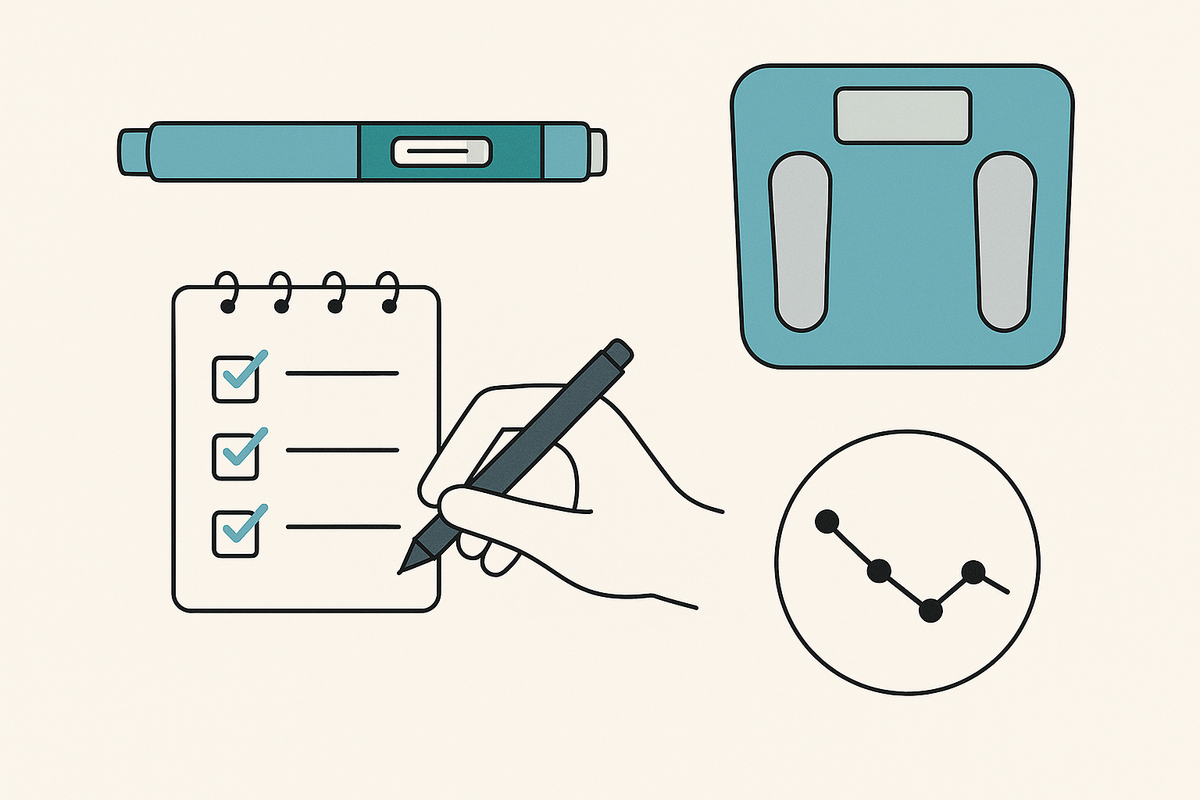
- Open your GLP-1 tracking app after taking your dose
- Select "Log Injection" or similar feature
- Input the required details (date, time, dose, site)
- Add notes about how you felt, if relevant
- Save the entry and set the next reminder
For more on logging injections, see this step-by-step guide on GLP-1 injection logging.
Section 4: How to Log Weight Effectively
Best Practices for Weight Tracking
Regular weight logging helps you see the effects of Wegovy and adapt your plan as needed. Follow these tips:
- Weigh yourself at the same time each day, ideally in the morning
- Use the same scale for consistency
- Log your weight immediately to avoid forgetting
- Watch for weekly patterns rather than focusing on daily fluctuations
Visualizing Progress
Apps that chart your weight over time help you see trends, set goals, and celebrate milestones. They also let you correlate weight changes with injection dates, side effects, and meal patterns for a full picture of your journey.
Section 5: Bringing It All Together with Trimm
Streamlined Logging for GLP-1 Users
Trimm is built for GLP-1 medications like Wegovy, Ozempic, Mounjaro, and Zepbound. It lets you log injections, track your weight, record side effects, and view your progress—all in one secure place.
Key Features That Make a Difference
- Automated reminders for injection and weigh-in days
- At-a-glance charts showing your weight loss and medication history
- Milestone tracking to keep you motivated
- Optional logging of meals, measurements, and side effects for a holistic view
By using an app like Trimm, you minimize manual effort and maximize the insights you (and your provider) get from your data.
Want to learn more about choosing the right GLP-1 tracker? See our complete guide to the best apps for GLP-1 tracking.
Conclusion
Knowing how to log Wegovy injections and weight is essential for anyone on a GLP-1 therapy journey. By tracking these details diligently—ideally with the help of a dedicated app like Trimm—you set yourself up for better results, fewer missed doses, and meaningful progress. Make logging a regular habit, and you’ll gain powerful insights to guide your weight-loss success.
FAQ
Q: How often should I log my Wegovy injections?
A: Log your injection every time you take it. Most people on Wegovy inject once weekly, so record it immediately after each dose to stay on track.
Q: Should I log my weight every day?
A: Daily weight logging is helpful for spotting trends, but weekly logging is also effective if daily isn’t practical. Consistency matters most.
Q: What else should I track along with injections and weight?
A: Consider tracking side effects, meals, and measurements. This gives you and your provider a complete view of your progress. For more, read our step-by-step guide to tracking side effects on GLP-1s.
Q: Is my data private when I use an app like Trimm?
A: Yes, privacy is a priority. Trimm offers secure data storage and privacy settings. For more on privacy, see our post comparing GLP-1 trackers for privacy.