How to Sync GLP-1 Data with Fitness Devices: The Complete Guide
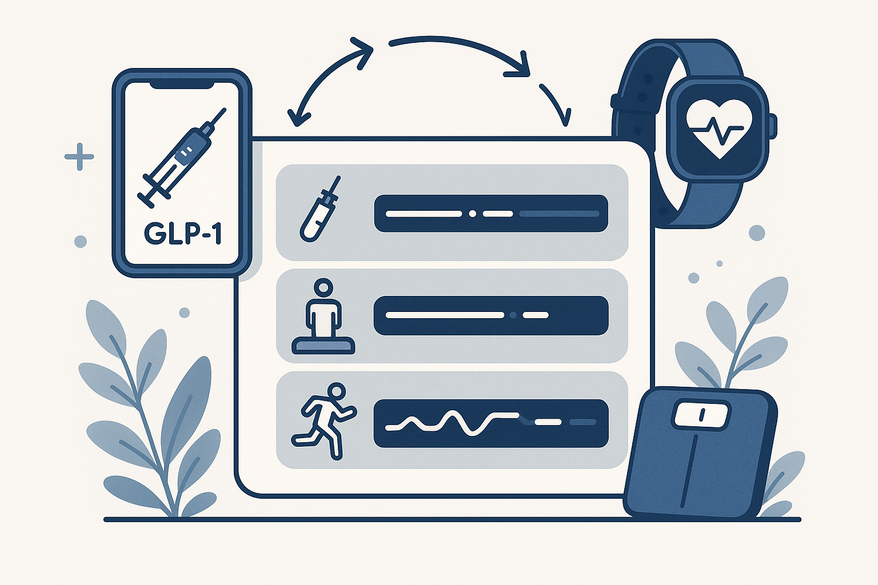
Learn how to sync GLP-1 data with fitness devices to streamline your health metrics in one dashboard, including medication timing, weight, and activity data.

Estimated reading time: 8 minutes
Key Takeaways
- Unified dashboard: Combine medication timing with weight, activity, sleep, and heart-rate metrics in one view.
- Device integration: Use smartwatches, scales, and companion apps linked via Bluetooth or health platforms like Apple Health and Google Fit.
- Step-by-step setup: Choose a GLP-1 tracker, pair your devices, enable permissions, and verify data accuracy.
- Actionable insights: Monitor trends, adjust workouts or diet, and stay engaged with visual timelines and reminders.
- Considerations: Watch for compatibility limits, data fragmentation, privacy concerns, and manual-entry requirements.
Table of Contents
- Introduction
- Understanding GLP-1 Therapy
- Role of Fitness Devices in Health Monitoring
- Integrating GLP-1 Data with Fitness Devices
- Benefits of Syncing Data
- Challenges and Considerations
- Future Perspectives
- Conclusion & Call to Action
- FAQ
Introduction
Syncing GLP-1 data with fitness devices has never been easier. GLP-1 therapy harnesses glucagon-like peptide-1 receptor agonists to lower blood sugar, slow gastric emptying, and boost fullness. Today’s wearables—smartwatches, smart scales, and app-connected trackers—capture steps, heart rate, sleep, and body composition automatically. In this guide, you’ll learn how to bring your medication schedule and health metrics together into one cohesive dashboard.
Understanding GLP-1 Therapy
GLP-1 receptor agonists mimic natural hormones to:
- Trigger insulin release when blood sugar rises
- Lower blood glucose levels
- Slow gastric emptying for steadier energy
- Send fullness signals to the brain
Tracking is vital because these drugs can affect:
- Weight and body composition
- Appetite and nutrition habits
- Exercise tolerance and fatigue
- Resting heart rate and recovery
Common tracking targets:
- Dose timing & adherence: Log each injection or pill time.
- Weight trends & composition: Monitor fat vs. muscle changes.
- Side effects: Note nausea or fatigue days.
- Activity & heart rate: Record workouts and variability.
- Nutrition & hydration: Log meals and water intake.
Role of Fitness Devices in Health Monitoring
Wearable tech includes:
- Smartwatches and fitness bands
- Chest‐strap heart monitors
- Smart scales for weight and body fat
- Connected mobile apps and dashboards
Automatic syncing methods:
- Bluetooth pairing to device apps
- Native health platforms (Apple Health, Google Fit)
- API connections between apps
Key benefits:
- Activity tracking: Steps, workouts, exercise minutes.
- Heart rate & HRV: Resting, peak, variability insights.
- Sleep tracking: Deep vs. light sleep, recovery scores.
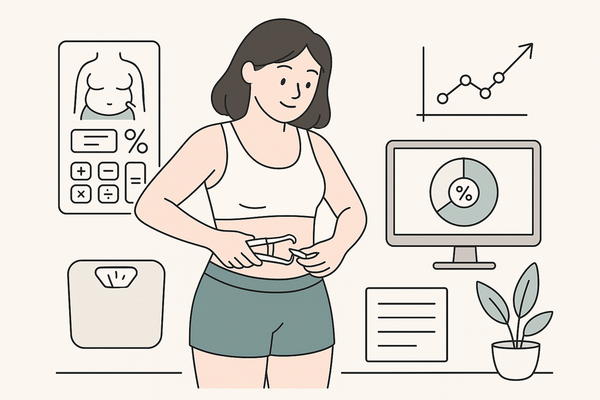
- Smart scale data: Weight, body fat %, muscle mass.
- Trend dashboards: Weekly and monthly charts.
For a deeper dive into the devices that work best with your GLP-1 regimen, check out our guide on Best Wearables for GLP-1 Tracking.
Integrating GLP-1 Data with Fitness Devices
No universal protocol: Use a GLP-1 companion app that links to a broader health ecosystem.
Explore more on GLP-1 integration with wearables in our previous post.
Step-by-step integration guide:
- Choose a GLP-1 tracking app: Look for medication logging, weight & side-effect notes.
- Select a device ecosystem: Apple Health for iOS or Google Fit for Android.
- Pair devices via Bluetooth: Use the manufacturer’s app to connect.
- Enable data permissions: Allow weight, activity, sleep, nutrition access.
- Link the GLP-1 app: Authorize data sharing for all metrics.
- Verify data accuracy: Ensure timestamps, units, and values align.
- Review your dashboard: Track weekly or monthly trends.
Recommended devices/software:
- Apple Health–connected GLP-1 apps
- Bluetooth smart scales (Withings, Fitbit Aria)
- Wearables with HR & activity tracking (Whoop, Fitbit, Garmin)
Benefits of Syncing Data
Combining medication logs and wearable data creates a holistic picture. See how GLP-1 dose timing aligns with weight changes, exercise, sleep quality, and nutrition.
- Better therapy tracking: One dashboard for meds and lifestyle data.
- Personalized insights: Distinguish fat loss from muscle loss.
- Real-time feedback: Adjust workouts, water intake, or diet faster.
- Enhanced engagement: Visual timelines and reminders keep you on track.
Challenges and Considerations
Compatibility & privacy: Not all apps support every wearable, and sharing health data can raise concerns.
- Compatibility limits: Apps may not sync with every device.
- Data fragmentation: Medication in one app; fitness data in another.
- Privacy concerns: Sharing sensitive health info.
- Manual‐entry burden: Side effects, injections, or meals may require logs.
Troubleshooting tips:
- Recheck Bluetooth pairing and permissions.
- Confirm the same user account is linked everywhere.
- Keep apps and firmware up to date.
- Use a central hub app (Apple Health) to unify streams.
Future Perspectives
The next wave will bring deeper AI and clinical integration:
- Smart injectors for automated dose logging
- Adaptive workouts based on resting heart rate & recovery
- AI coaching that adjusts activity to symptoms
- Clinician dashboards merging GLP-1 apps, wearables, and EHR systems
Potential advancements:
- Automatic medication adherence via connected devices
- Personalized recovery plans using HRV and sleep data
- In-app digital coaches for side-effect management
- Seamless data flow from patient to provider for remote monitoring
Conclusion & Call to Action
Sync GLP-1 data with fitness devices to gain a complete view of your therapy journey. By choosing a GLP-1 tracker, pairing it with your favorite wearable, and linking to Apple Health or Google Fit, you’ll see medication timing, weight, activity, sleep, and side effects all in one place.
To seamlessly integrate all your GLP-1 and fitness data in one hub, consider using Trimm, the app built specifically for your GLP-1 journey.
Recommended next steps:
- Download a GLP-1 tracker like GLIA Tracker on iOS
- Pair your smartwatch or smart scale via Bluetooth
- Enable data sharing in Apple Health or Google Fit
- Review your first week of combined metrics and adjust your plan
Take control of your GLP-1 therapy and fitness data—start syncing now!
FAQ
How do I choose the right GLP-1 tracking app?
Look for features like medication logging, side-effect notes, weight tracking, and seamless health-platform integration. Read user reviews to gauge reliability and support.
Which devices are best for syncing GLP-1 data?
Smartwatches (Apple Watch, Garmin), Bluetooth smart scales (Withings, Fitbit Aria), and chest-strap monitors work well. Ensure your chosen device supports data export to Apple Health or Google Fit.
What if my data isn’t syncing properly?
First, reauthorize Bluetooth and health-platform permissions. Confirm you’re signed into the same account across all apps. If issues persist, update firmware or contact the app’s support team.
Is my health data private when syncing?
Most platforms encrypt data in transit and at rest. Review each app’s privacy policy, adjust sharing settings, and use a trusted central hub like Apple Health for tighter control.